Kommunicate Developer Docs | AI Customer Support Integration Guides

Kommunicate Developer Docs | AI Customer Support Integration Guides

  • Book a Demo
  • Try For Free

›Dashboard Features

Web

  • Installation
  • CMS Installation
  • Authentication
  • Conversation
  • Conversation Assignment
  • Customization
  • Localization
  • Troubleshooting

Android

  • Installation
  • Authentication
  • push notification
  • Conversation
  • Customization
  • Localization
  • Migration
  • Troubleshooting

React Native

  • Installation
  • Expo Installation
  • Authentication
  • push notification
  • Conversation
  • Customization
  • Troubleshooting

Flutter Mobile

  • Installation
  • Authentication
  • push notification
  • Conversation
  • Customization
  • Localization
  • Troubleshooting

Flutter Web

  • Installation
  • Authentication
  • Conversation

Ionic/Cordova

  • Installation
  • Authentication
  • push notification
  • Conversation
  • Customization
  • Localization
  • Resolving Errors

Ionic/Capacitor

  • Installation
  • Authentication
  • push notification
  • Customization

Rich Messages

  • How To Use
  • Types of Rich Messages

AI Agents

  • AI agents Setup
  • OpenAI, Anthropic and Gemini
  • Dialogflow Integration
  • Lex Integration
  • Kompose AI agent Builder
  • IBM Watson Integration
  • Google CES (CX Agent Studio) integration
  • Custom AI agent Integration
  • Import Kompose AI agent
  • AI agent Samples

Integrations

  • Zapier
  • WhatsApp
  • WhatsApp 360Dialog
  • WhatsApp Twilio
  • WhatsApp Cloud API
  • Instagram Integration
  • Telegram Integration
  • Sunshine Integration
  • Freshdesk Integration
  • Pipedrive Integration
  • Agile Integration
  • Slack Integration
  • Google Analytics

Platform APIs

  • Authentication
  • Endpoints

Dashboard Features

  • Analytics
  • Conversations
  • Users
  • AI agent Integration
  • Helpcenter
  • Campaign Messaging
  • Settings

Configuration

  • Single Sign On (SSO) Setup
  • webhooks
  • Access Token URL
  • Email Fallback

Users

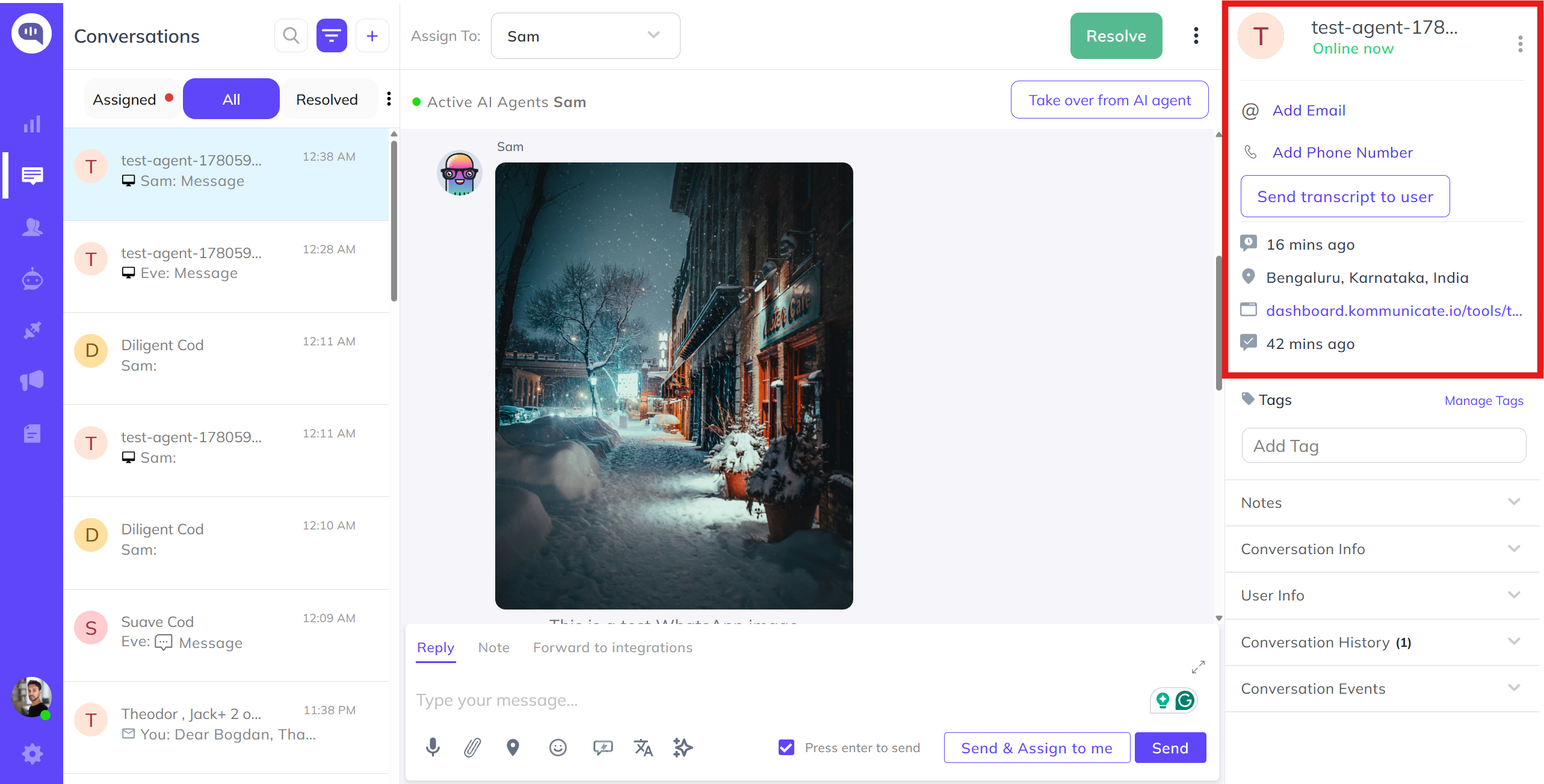
The users listed here are your application users, those who start a conversation from your application will be shown here. You will see the Start conversation button if the user hasn't started any conversation yet. You can use this button to start a conversation with your users.

You can see the information, such as the user's last seen time, and the latest conversation assignee. Also, there is a search option to search for the user by email ID and user ID

Note: All the users with pseudonyms (Such as Fancy Shark) are anonymous.
Users

← ConversationsAI agent Integration →

Start Small. Prove Value. Scale Safely

You don't need to bet your entire support operation on AI.
Start with the conversations that are safe to automate using an AI agent.
Expand as confidence grows.

Get StartedSee a Live Demo
Kommunicate logo
*Subscribe to our newsletter
Product
No-Code AI Agent BuilderGenerative AI ChatbotVoice AIAI Email TicketingFAQ ChatbotLive Chat
OpenAI IntegrationGoogle Gemini IntegrationAnthropic IntegrationAI Agent Features
Industries
Healthcare AI AgentEcommerce AI AgentEducation AI AgentBanking AI Agent
Gaming AI AgentTravel AI AgentTelecom AI AgentInsurance AI Agent
Integrations
WhatsApp AI AgentZendesk AI AgentWordpress AI AgentAndroid Chatbot SDKiOS Chatbot SDK
Facebook Messenger AI AgentInstagram AI Agent
All Integrations
Resources
Chatbot TemplatesCase StudiesWhitepapersAI Customer Service Guide
Chatbot GuideVideosKnowledge HubComparisons
ROI CalculatorBlogsGlossary
Company
About UsPricingContact UsAffiliate ProgramPartner ProgramMediaHelp CenterTrust CenterAPI Status
Languages
ArabicSpanishFrenchGermanPortugueseItalianSwedishRussian
© Kommunicate 2026
T&CPrivacy PolicyCareerSLADPASitemap