
AI agent Samples
Here are some ready made AI agents developed by Kommunicate team using Dialogflow. Download the AI agents from here and import into Dialogflow console. Integrate the AI agent with kommunicate and let it resolve your customers queries.
Kommunicate support AI agent
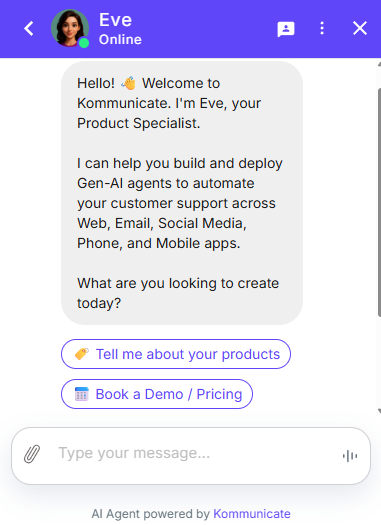
Kommunicate Support AI agent makes life easier for you by qualifying the customers coming in chat. The actionable rich messaging powered AI agent can reply based on whether users are on chat for general queries, technical queries or scheduling a demo. You can use this sample to build a qualifying AI agent of your own.
Download the kommunicate support AI agent from here.
Support AI agent
Meeting Booking AI agent
The Meeting Booking AI agent helps you to arrange meetings with your customers. It can schedule, reschedule meeting within minutes which can save time.
Here is the ready made meeting booking AI agent developed by Kommunicate team using Dialogflow.
Download the meeting booking AI agent from here and import into Dialogflow console. Integrate the AI agent with kommunicate and let it book meetings for you.
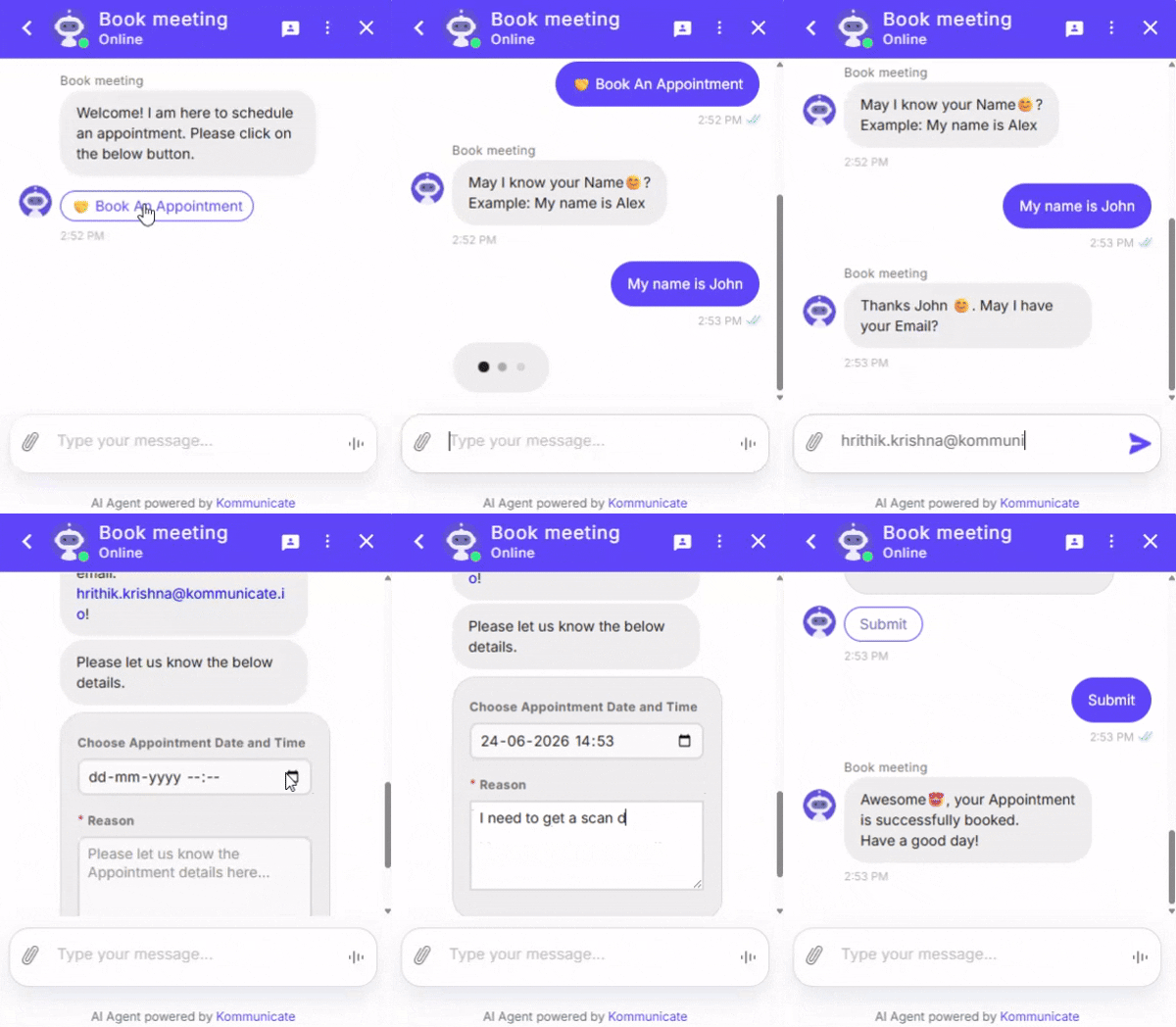
View demo here and explore it.
Ecommerce AI agent
Ecommerce AI agents offer customers product suggestions based on their requests, offer buyers product recommendations and provide customer support. It allows to support your customers with allocating shipping and delivery information, costs, status, estimated delivery time and more, which improves customer engagement and retention.
Here is the ready made ecommerce AI agent developed by Kommunicate team using Dialogflow.
Download the ecommerce AI agent from here and import into Dialogflow console. Integrate the AI agent with kommunicate and let it handle for you.
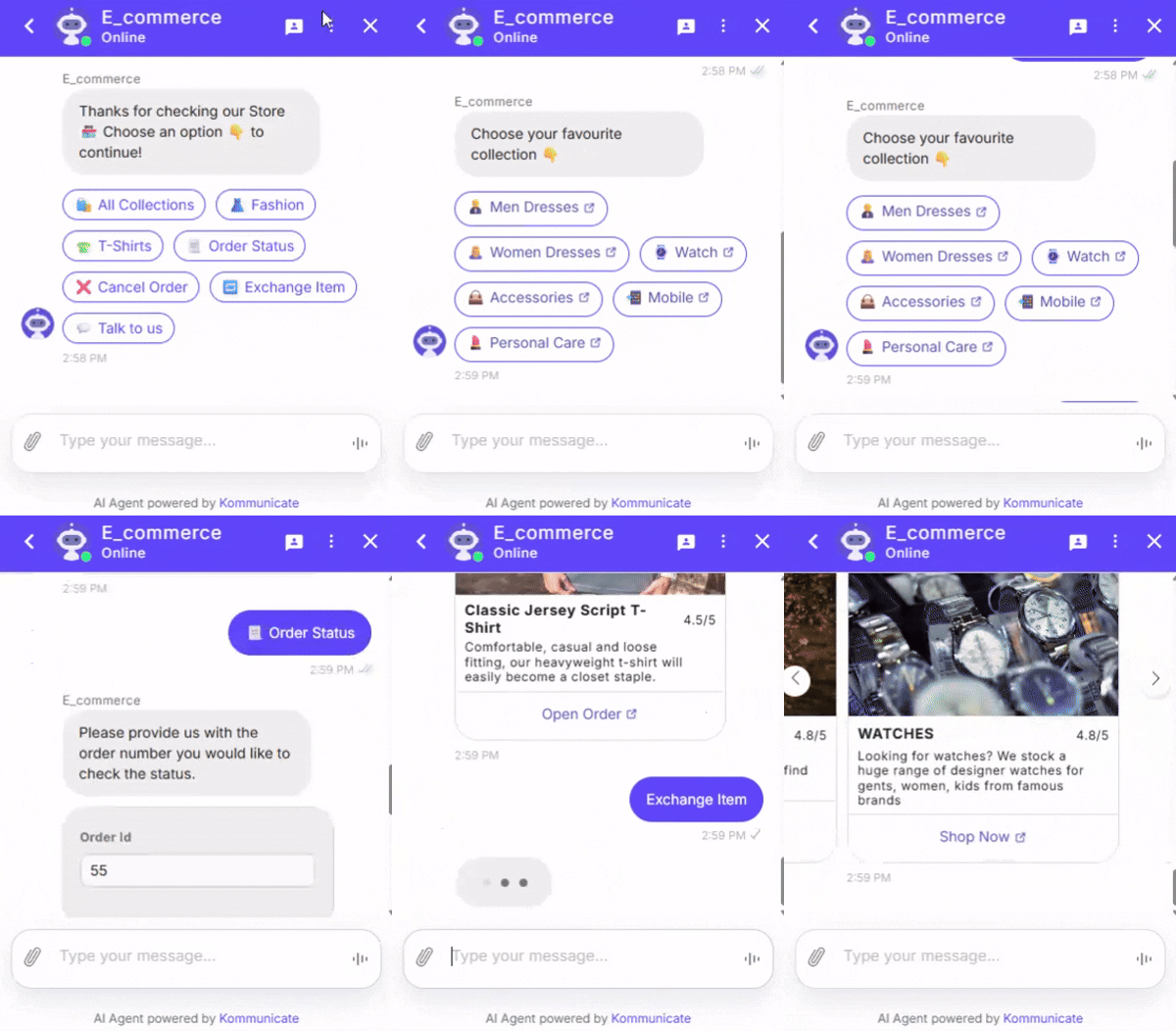
View demo here and explore it.
Lead Collection AI agent
Generating leads is one of the most important goals for any business. Lead collection AI agent, can transform the process of converting from filling out a generic form to having a "conversation" with your company. This is not only extremely user-friendly, but also makes for a more engaging site experience.
Here is the ready made lead collection AI agent developed by Kommunicate team using Dialogflow.
Download the lead collection AI agent from here and import into Dialogflow console. Integrate the AI agent with kommunicate and let it handle for you.
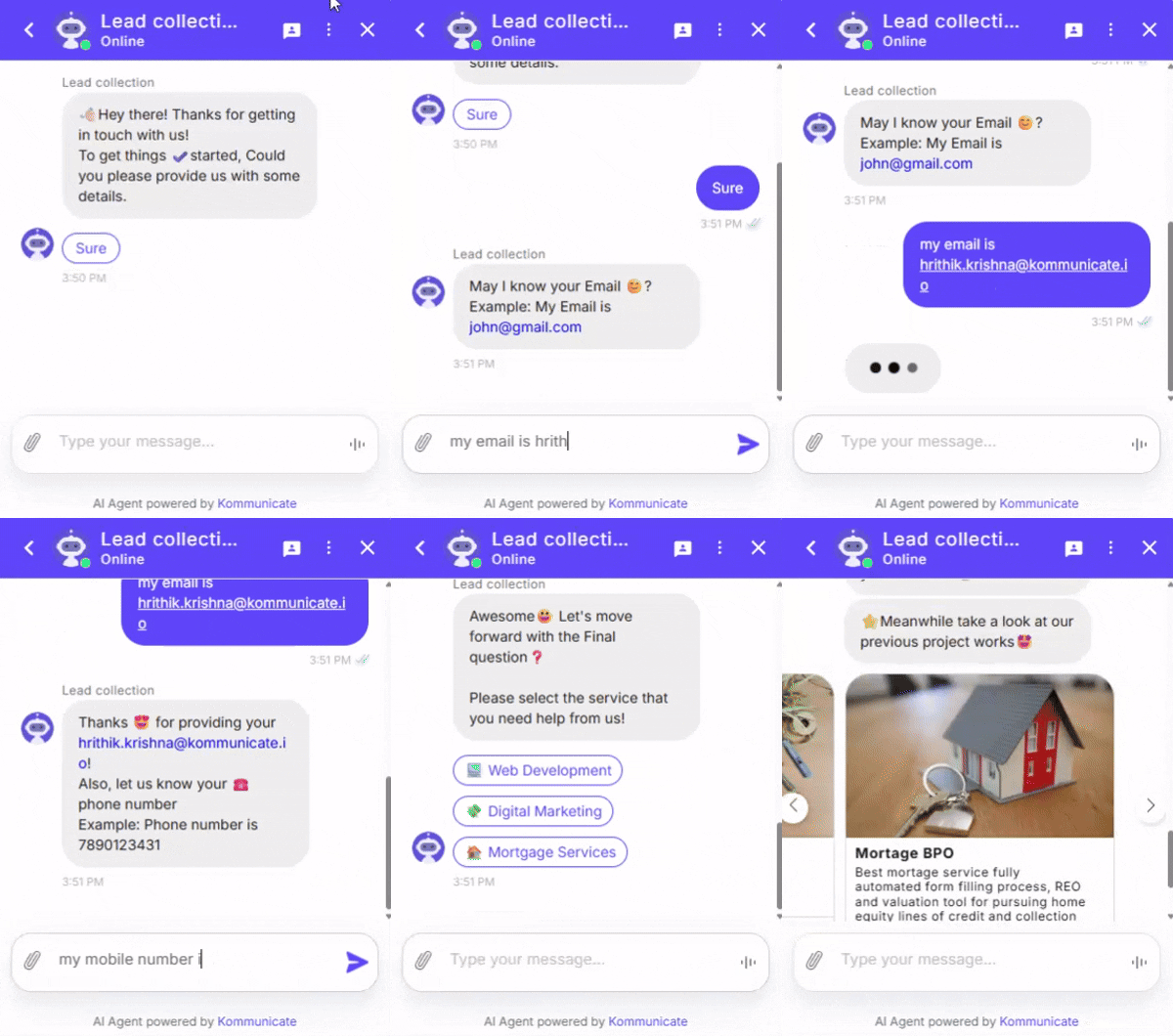
View demo here and explore it.
Insurance AI agent
Insurance AI agent is capable of finding the right product and the right quote in an instant. This is also extremely user-friendly and improves customer engagement.
Using Insurance AI agents, you can
- Manage claims quickly and efficiently
- Deliver personalized quotes
- Offer relevant coverage and care advice
- Solidify long-term relationships between provider and policyholder
Here is the ready made insurance AI agent developed by Kommunicate team using Dialogflow.
Download the Insurance AI agent from here and import into Dialogflow console. Integrate the AI agent with kommunicate and let it handle for you.
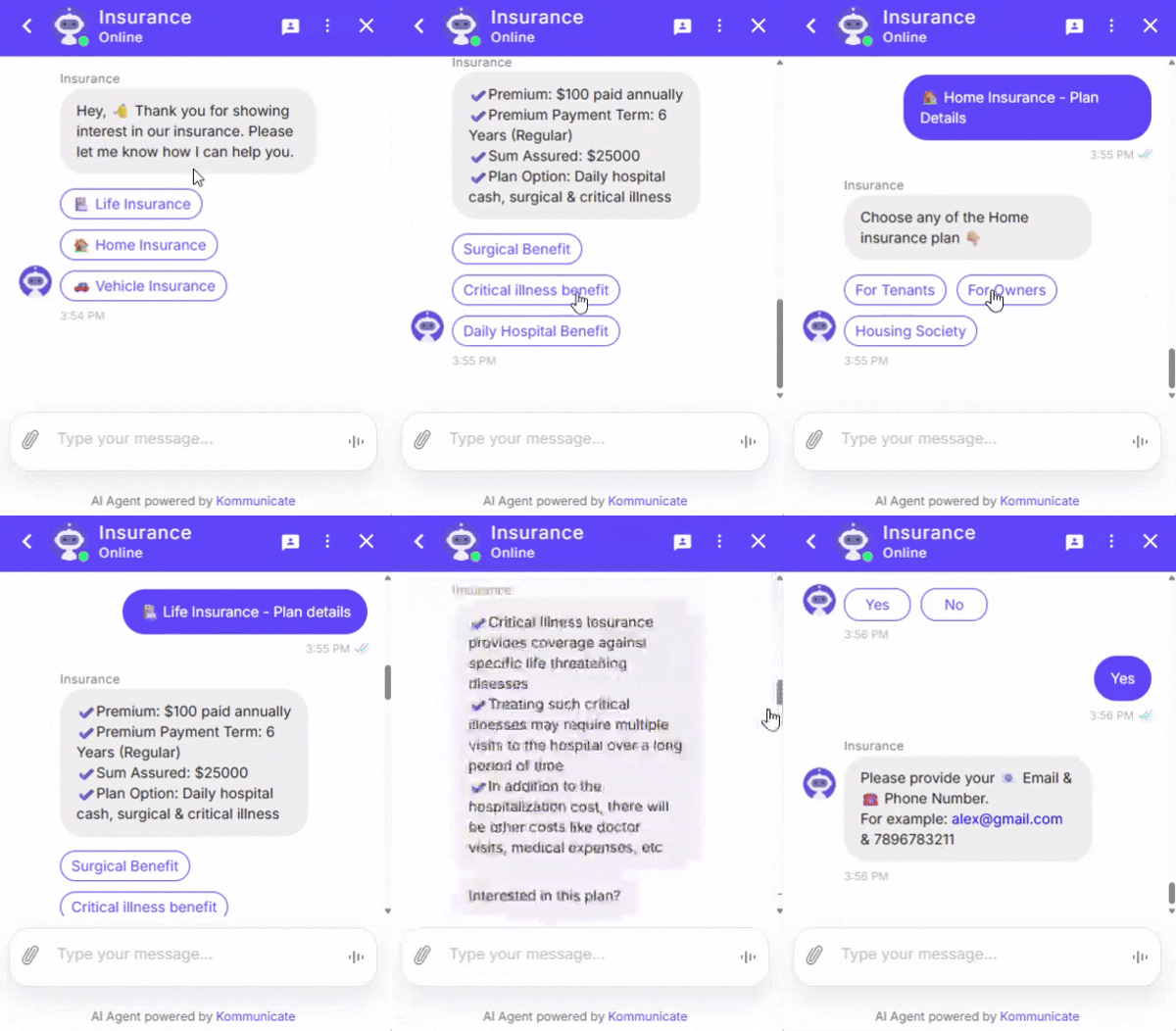
View demo here and explore it.
Food Order AI agent
AI agents essentially change the way we order, what is most notable is the fact that this makes the entire ordering process much easier and something that is more likely to be repeated by the customers. The entire thing happens like if you are talking to someone.
Here is the ready made sample of food order AI agent developed by Kommunicate team using Dialogflow.
Download the food order AI agent from here and import into Dialogflow console. Integrate the AI agent with kommunicate and let it handle for you.
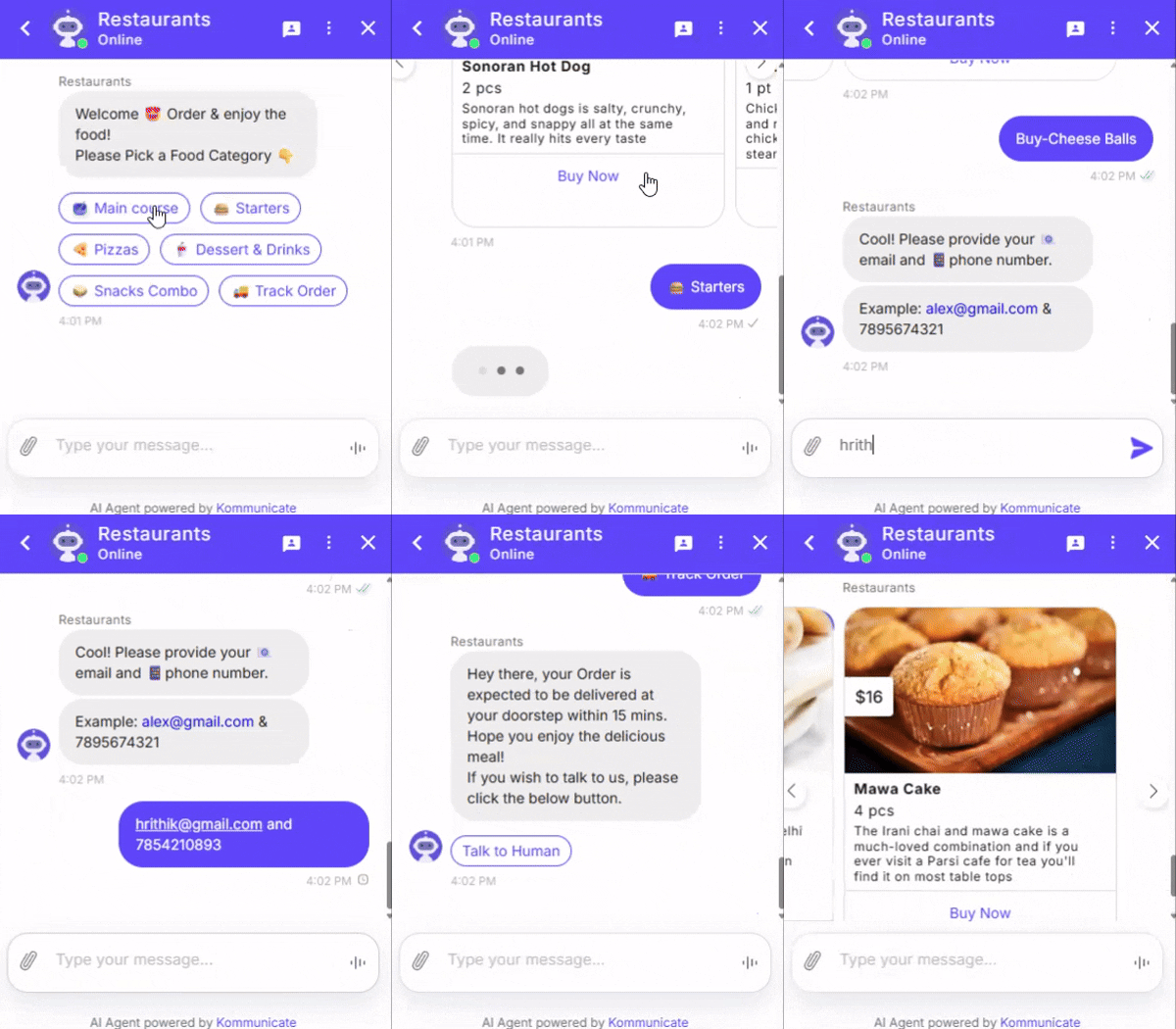
View demo here and explore it.
Education AI agent
For any college or university, swift communication is crucial when it comes to converting prospective applicants into enrolled students.
In the lead up to the start of a new academic year candidates would be buzzing with questions relating to courses, fees, accommodation and the like. It's undoubtedly a busy time for admissions departments, and responding to this influx of questions quickly requires a lot of time and resource.
Essentially, AI agents provide an antidote to this problem. They are incredibly convenient, easy to use and are designed to provide automated responses to common questions, avoiding ambiguity and delayed replies.
Here is the sample of education/university AI agent developed by Kommunicate team using Dialogflow.
Download the education AI agent from here and import into Dialogflow console. Integrate the AI agent with kommunicate and let it handle for you.
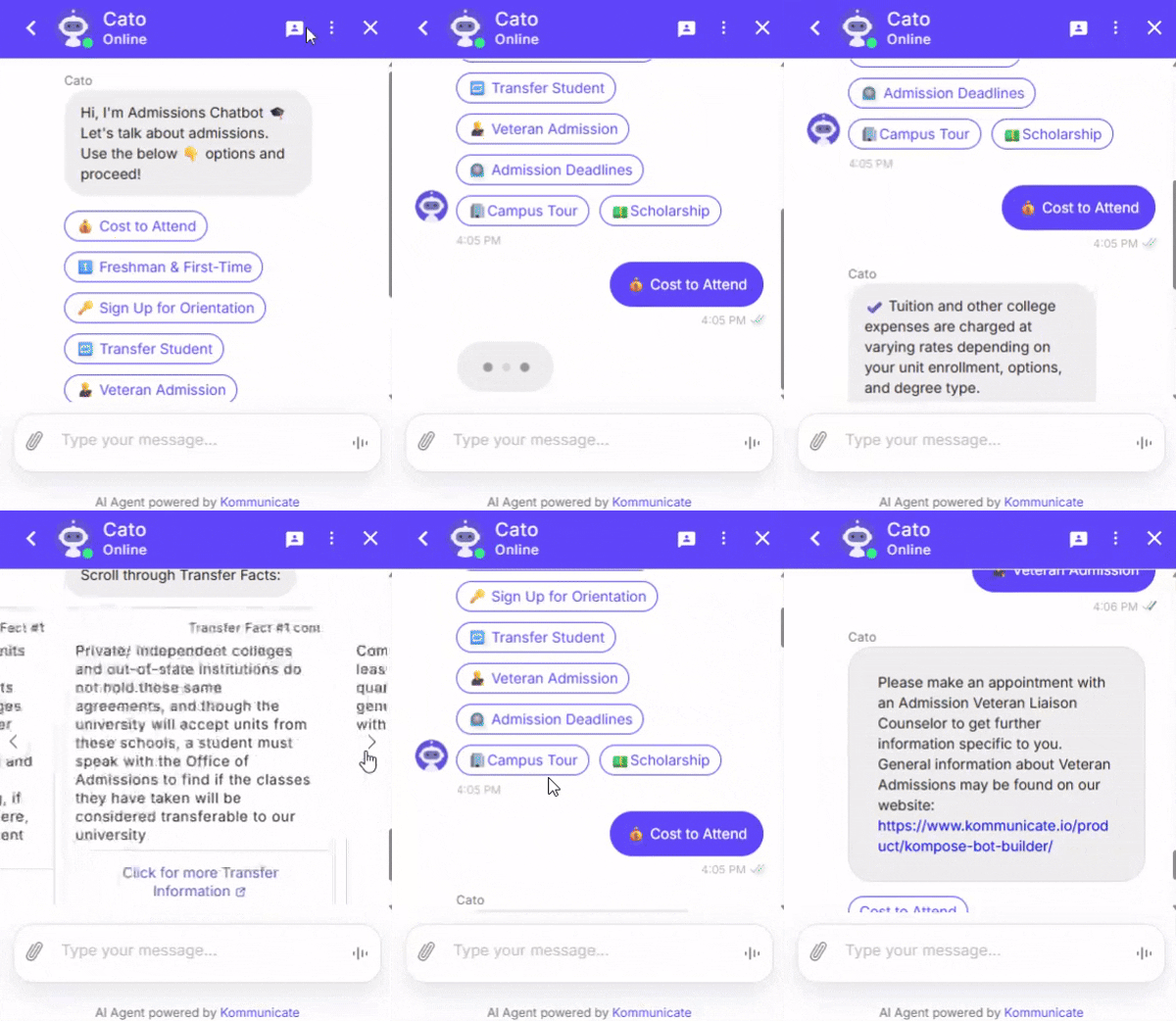
View demo here and explore it.
Banking AI agent
Financial or Banking sectors must engage with their customers and members in the right way, and at the right place and time. Integration with the AI agent is the type of engagement process that can provide consumers with quick and personalized support.
There are many reasons for using AI agents to serve customer queries, listed a few important reasons below:
- Quick and Personalized support
- 24/7 availability
- Cost savings
- Financial advice
- New account generation, etc.
Following is the sample template for Banking AI agent developed using Kompose
Download the banking AI agent from here and import into Kompose.
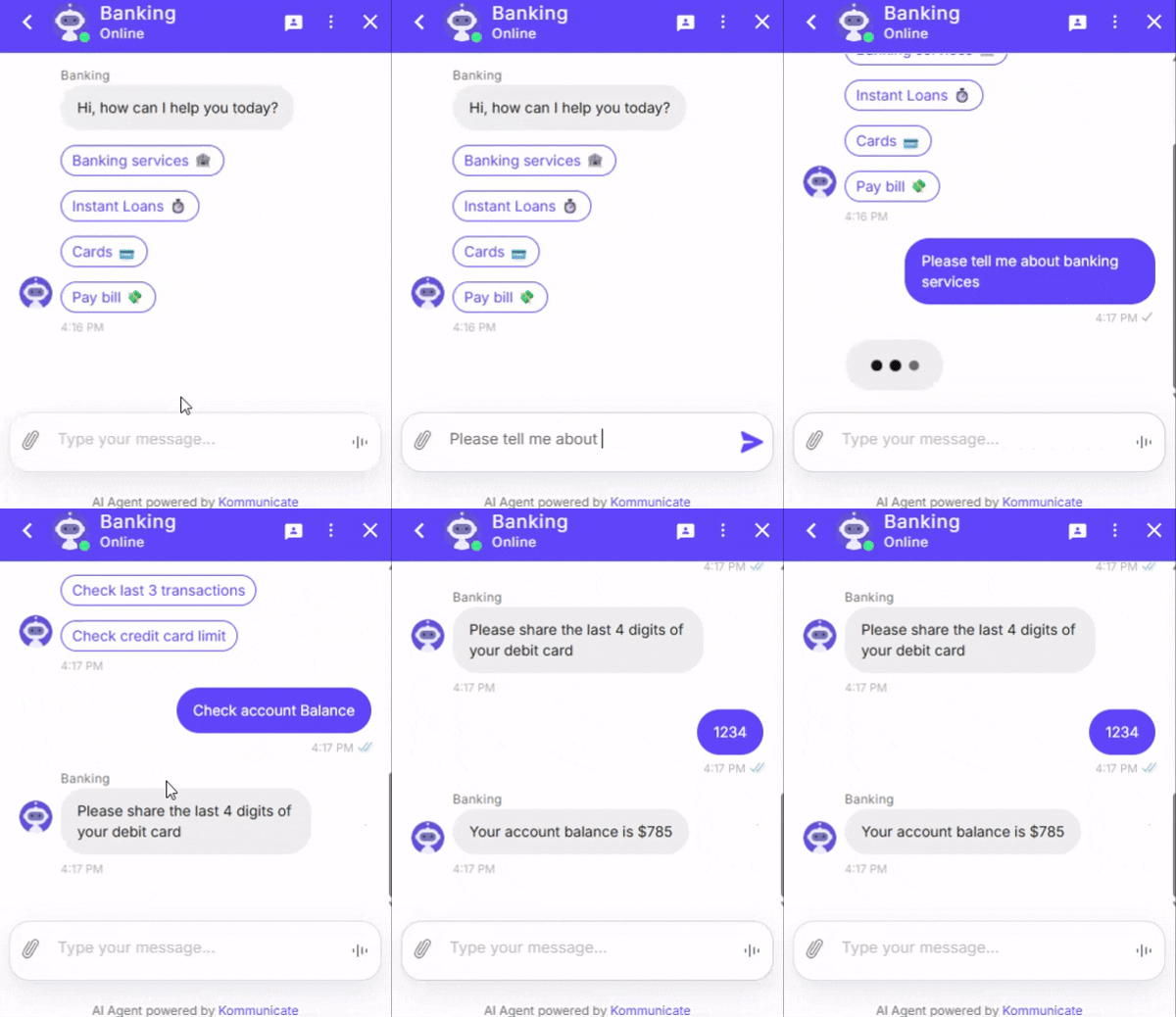
View demo here and explore it.